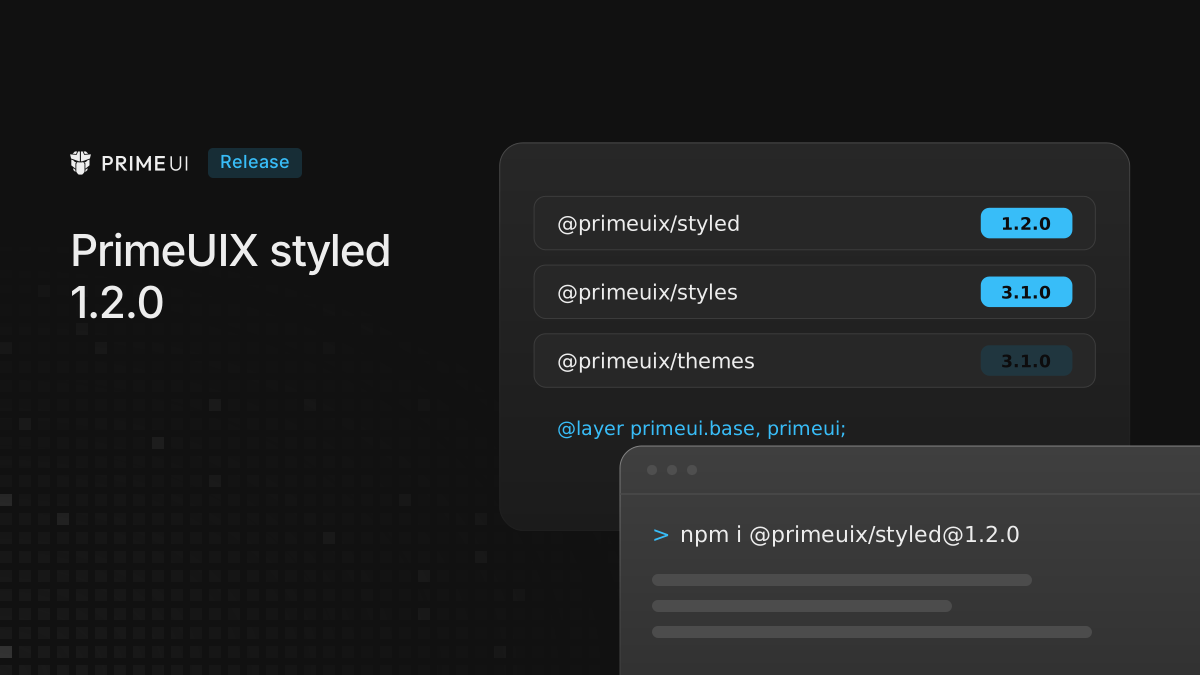
Three of the theming packages under PrimeVue, PrimeReact and PrimeNG have new versions:
npm install @primeuix/[email protected] @primeuix/[email protected] @primeuix/[email protected]@primeuix/styles 3.1.0 adds a reset for the native elements that components
render, and @primeuix/styled 1.2.0 adds the layer helper that puts it in the
right place in the cascade. @primeuix/themes 3.1.0 is the same build as 3.0.2
and takes the new number so the three packages move together. @primeuix/utils
stays at 0.8.3.
PrimeVue 5.0.3, PrimeReact 11.2.1 and PrimeNG 22.1.3 accept these versions, so a fresh install of any of them picks them up. For an app that does not load the reset, the generated CSS is the same as with styled 1.1.0 and themes 3.0.2.
Why components need a reset
A component is built from native elements: a Select has a button and a ul, a
DataTable has a table, an InputText is an input. Browsers give those
elements their own margins, borders, fonts and list styling, and the component
CSS has to override each one. Where it does not, the browser default shows
through: a border on a button, a margin under a list, a font that does not match
the page.
Apps that load a global reset, such as Tailwind’s preflight, normalize.css or Bootstrap’s reboot, never see this. Apps without one do, and the result depends on the component and the browser.
What the reset covers
The reset is exported as a CSS string from @primeuix/styles/base:
import { preflight } from '@primeuix/styles/base';It only matches elements inside Prime components. PrimeReact marks those with
data-scope, PrimeVue and PrimeNG with data-pc-section, and every rule
selects one of the two, wrapped in :where():
@layer primeui.base {
    :where(button:is([data-scope], [data-pc-section])),
    :where([type='button']:is([data-scope], [data-pc-section])) {
        appearance: button;
        background-color: transparent;
        border: 0 solid;
        padding: 0;
        margin: 0;
        font: inherit;
        color: inherit;
        cursor: pointer;
        /* shortened */
    }

    :where(ul:is([data-scope], [data-pc-section])),
    :where(ol:is([data-scope], [data-pc-section])) {
        list-style: none;
        margin: 0;
        padding: 0;
    }

    /* ... */
}
That shape decides how the reset behaves:
- A
buttonoruloutside a component keeps its browser defaults. :where()gives every selector zero specificity, so any rule in the app that targets the same element wins without!important.- The rules sit in their own cascade layer,
primeui.base, below the component styles.
The reset covers buttons and form fields (input, select, textarea), lists,
tables and their cells, headings, paragraphs and other text blocks, links,
fieldset and legend, media elements (img, svg, video, canvas,
iframe), hr, summary and dialog. Every matched element and its pseudo
elements also get box-sizing: border-box.
Where the reset sits in the cascade
@primeuix/styled 1.2.0 exports the layer name and a helper that writes the
layer order:
import { PREFLIGHT_LAYER, composeLayerOrder } from '@primeuix/styled';

PREFLIGHT_LAYER; // 'primeui.base'
primeui.base is nested under primeui, the layer name cssLayer uses by
default. Styles written directly in a layer win over the layers nested in it, so
a component rule in primeui always beats the reset. With cssLayer off the
component styles are not in a layer at all, and they beat every layered rule,
the reset included. An app that declares @layer primeui; ahead of its own
layers orders both the components and the reset at once.
composeLayerOrder takes the reset layer and the order statement the theme
writes, and returns one statement:
composeLayerOrder(PREFLIGHT_LAYER, '@layer primeui');
// '@layer primeui.base,primeui;'

composeLayerOrder(PREFLIGHT_LAYER, '@layer theme, base, primeui');
// '@layer theme,base,primeui,primeui.base;'

composeLayerOrder(PREFLIGHT_LAYER, '');
// '@layer primeui.base;'

composeLayerOrder(undefined, '@layer primeui');
// '@layer primeui;'
When the theme order already places primeui after other layers, the reset
layer goes in after it instead of pulling primeui to the front, so the app’s
own order is kept. With the reset off, the theme’s statement comes back as it
was.
Both names go into one statement because a layer’s position is fixed the first
time its name appears. A second statement written later, after the app has
declared its own layers, would put primeui.base behind them, and the reset
would override the app’s styles.
How the libraries use it
The reset and the helper are the shared part. Each library loads them through a
preflight option:
- PrimeReact has had
preflight, on by default, since 11.2.0, with its own copy of the reset that matcheddata-scopeonly. 11.2.2 and later import the shared reset and the layer helper from these packages instead. - PrimeVue 5.0.4 and PrimeNG 22.1.4 and later add the
preflightoption, off by default and marked experimental. When it is on, the reset is loaded once andprimeui.basegoes first in the layer order. PrimeVue also writes it into the isolated mode and server rendered output.
The PrimeVue 5.0.4, PrimeNG 22.1.4 and PrimeReact 11.2.2 posts show the setup in each library.
In all three libraries the reset is skipped in unstyled mode. An app that already loads Tailwind’s preflight, normalize.css or a similar reset can leave the option off.
Palette helpers
The JSDoc of updatePrimaryPalette and updateSurfacePalette now matches what
the functions do. Both merge the given stops into the active palette, and a stop
that is not passed keeps its value. Calling either one with an empty object
leaves the palette unchanged. The behavior is the same as in 1.1.0. Only the
description that editors show on hover changed. To replace a palette entirely,
use usePreset.
Upgrading
There are no breaking changes. If the packages are installed directly, update the three version numbers. The PrimeUIX styled 1.1.0 post covers styled 1.1.0 and themes 3.0.2.