PrimeReact 11.2.2 is out. Most of it is about parts that rendered the wrong
markup or ignored a prop: buttons that submitted forms, Portal parts that
ignored appendTo, and DataTable props that did not reach the component.
npm install [email protected] @primereact/[email protected]It still needs React 19. Nothing in the API was removed, but two attribute changes can affect selectors in CSS or tests, and the Upgrading section lists them.
Buttons that submitted the form
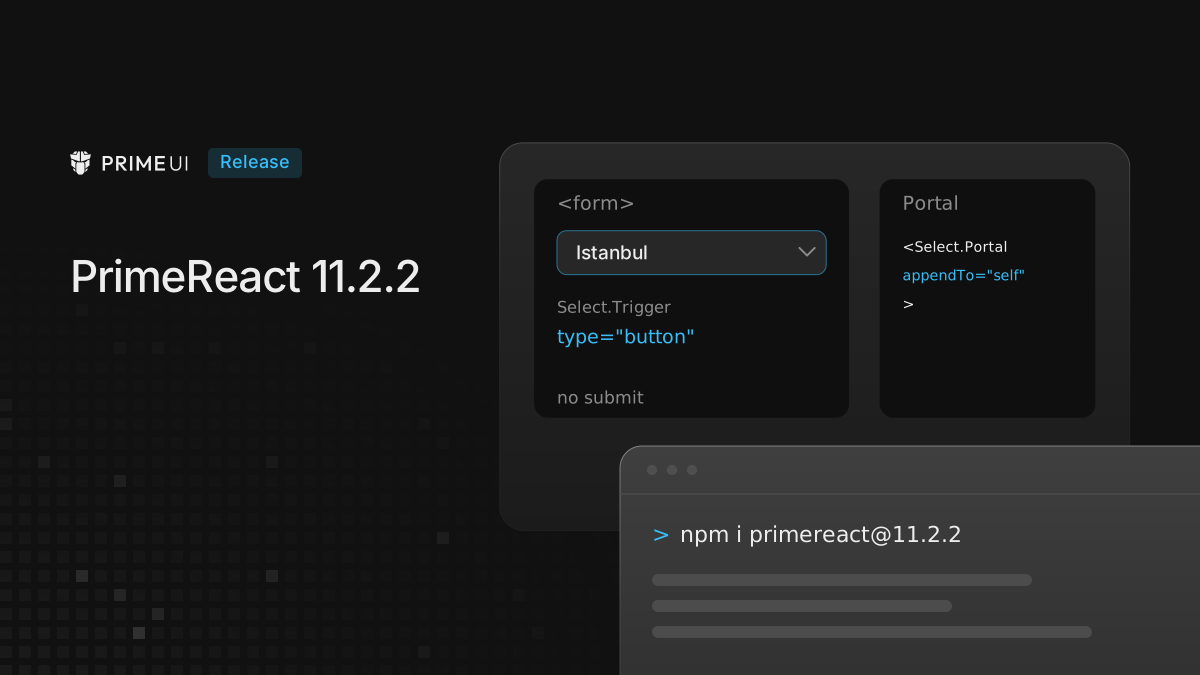
A <button> without a type attribute is a submit button. Several parts
rendered one, so inside a <form> a click on the Select trigger or on the
InputNumber arrows submitted the form. The form integration examples in the
documentation worked around this with type="button" on Select.Trigger.
Every part that renders an action button now sets type="button": the Select
trigger, the InputNumber increment and decrement buttons, the close buttons of
Message, Toast and Dialog, the Dialog maximize button, the DatePicker today and
clear buttons, the DataTable sort button, the FileUpload buttons, the Paginator
buttons, the Gallery navigation and toolbar buttons, Tabs, ToggleButton, and the
Popover, Tooltip and Sidebar triggers. A type set on the part is kept, and the
workaround can be removed:
<form onSubmit={save}>
    <Select.Root options={cities} optionLabel="name">
        <Select.Trigger>
            <Select.Value placeholder="City" />
            <Select.Indicator>
                <ChevronDown />
            </Select.Indicator>
        </Select.Trigger>
        {/* Portal, Positioner, Popup and List as before */}
    </Select.Root>
</form>
Button itself is unchanged. Like a native button, it still submits a form
unless it is given a type.
appendTo on Portal parts
The Portal parts of AutoComplete, ContextMenu, DatePicker, Dialog, Drawer, Menu,
Popover, Select, Toaster and Tooltip accepted appendTo, but the value did not
reach the portal, so the overlay went to document.body whatever was passed.
Each part forwards any prop it does not declare to the DOM as an attribute, and
none of the ten declared appendTo. They now declare it, with 'body' as the
default:
<Select.Portal appendTo="self">
    <Select.Positioner>
        <Select.Popup>
            <Select.List />
        </Select.Popup>
    </Select.Positioner>
</Select.Portal>
The same cause broke three DataTable Export props. selectionOnly, fields and
headers were rendered as attributes on the button and ignored, so the CSV held
all rows, all fields and the raw field names. They now work.
Isolated mode and the app markup
In isolated mode the theme variables, such as --p-content-border-color, are
defined on elements that carry the app’s data-p-theme key. Every element
PrimeReact renders carries it, but PrimeReactProvider renders no element of
its own, so CSS for the app’s own markup could not resolve the variables, and a
border using var(--p-content-border-color) rendered black.
withIsolation now takes the element the app renders into as root:
import Aura from '@primeuix/themes/aura';
import { PrimeReactProvider } from '@primereact/core';
import { withIsolation } from '@primereact/core/isolation';
import ReactDOM from 'react-dom/client';
import App from './App';

const container = document.getElementById('root')!;
const isolation = withIsolation({ key: 'shop', root: container });

ReactDOM.createRoot(container).render(
    <PrimeReactProvider theme={{ preset: Aura }} isolation={isolation}>
        <App />
    </PrimeReactProvider>
);
The root carries the key while the provider is mounted and loses it on unmount, so the app’s own CSS reads the variables the same way the components do:
.order-list {
    border: 1px solid var(--p-content-border-color);
}
Isolated mode is experimental, and the API may still change based on feedback. Setup, keys and layers are in Running two PrimeUI apps on one page.
A related fix: Dialog.Trigger and Popover.Trigger rendered with
as={Button} were unstyled in isolated mode, because the trigger did not get
the key when as was a component rather than a tag. They now carry it.
Preflight
PrimeReact has reset browser defaults on the native elements inside components
since 11.2.0, through the preflight option of PrimeReactProvider, on by
default. In 11.2.2 the reset comes from @primeuix/styles 3.1.0 and the layer
order from @primeuix/styled 1.2.0, the same code PrimeVue 5.0.4 and PrimeNG
22.1.4 now use. 11.2.2 requires those versions.
Three things change in the reset itself:
- Every selector is wrapped in
:where(), so it has zero specificity. A rule in the app that targets the same element wins without!important. imgandvideokeep the height given by theirheightattribute.- The rules also match
data-pc-section, the marker PrimeVue and PrimeNG use, so one stylesheet serves all three libraries.
An app that already resets these elements itself can turn it off:
<PrimeReactProvider preflight={false}>
    <App />
</PrimeReactProvider>
The PrimeUIX styled 1.2.0 post explains how the reset is ordered in the cascade.
Select
- Hovering or pressing on a disabled option moved focus to it, and Alt+ArrowUp then selected it in Select and AutoComplete. Disabled options no longer take focus from the pointer, and Alt+ArrowUp skips them.
- A numeric label threw in type-ahead, which broke type-ahead for the whole list
in Select and Listbox, and made AutoComplete with
forceSelectiondrop the typed value. Numeric labels are now matched as text. useFilterwith an array of fields never matched primitive items, so[10, 20, 30]filtered on['value', 'label']returned nothing. Primitives now match on their own value.- The filter keyboard flows now have end-to-end tests in a real browser.
DatePicker
A day outside minDate or maxDate had no aria-disabled on its grid cell, so
a screen reader announced it like any other day. The cell now carries
aria-disabled="true".
The dayCell and day pass-through options also receive the date they render,
so a cell can be styled per date:
<DatePicker.Root
    minDate={new Date()}
    pt={{
        dayCell: ({ context }: any) => ({
            className: context?.today ? 'is-today' : undefined
        })
    }}
>
    {/* Portal, Positioner, Popup and Calendar as before */}
</DatePicker.Root>
The context holds date, today, otherMonth, selected and disabled. It
is not in the pass-through types yet, so the example types the parameter as
any.
Other fixes
- DataTable rendered the paginator controls with
paginator={false}, although the rows were not paginated. The controls are now hidden. - Types. The published
.d.tsfiles referred to type parameters that were not declared, so a project withskipLibCheck: falsegot TS2304 errors from PrimeReact. The declarations are now self-contained.
Upgrading
From any 11.2.x it is a version bump:
npm install [email protected] @primereact/[email protected]Two attribute changes to check afterwards:
- The Listbox root writes
data-disabled,data-invalidanddata-readonlyas empty attributes instead of"true". A selector such as[data-disabled="true"]no longer matches, and[data-disabled]does. - In the headless
useListboxOptionhook, the group part is namedoptiongroupinstead ofoptionGroup, in line with the other part names. The styled components render the group as before.
The full list is in the changelog. The PrimeNG 22.1.4 and PrimeVue 5.0.4 posts cover the same reset in the other two libraries, where it is new and off by default.