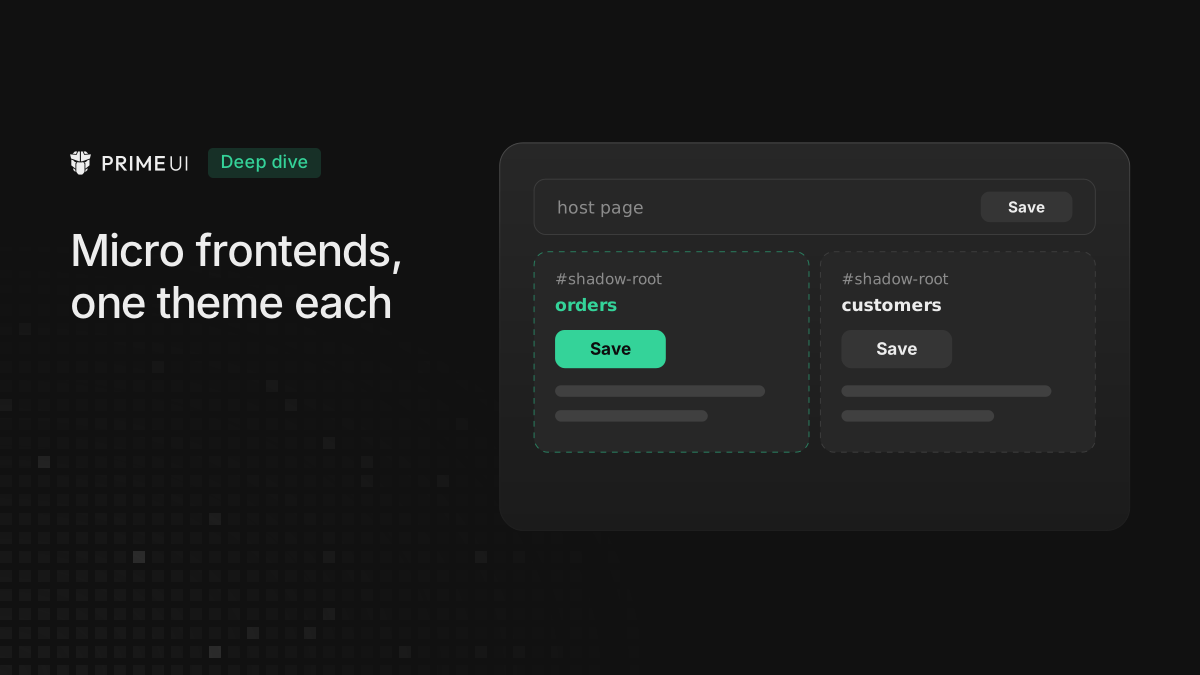
Put a PrimeVue Button inside a shadow root and it renders as a plain browser
button. The same happens with a Vue custom element, a React tree mounted in a
shadow root, or an Angular component that uses ViewEncapsulation.ShadowDom.
This is the problem tracked in
primevue#4001.
PrimeVue 5.0.3 and later, PrimeReact 11.2.1 and later, and PrimeNG 22.1.3 and
later handle this. They require @primeuix/styled 1.1.0 and @primeuix/utils
0.8.3 and later, which a fresh install gets anyway.
The setup depends on how many themes the page has. With one theme and components
inside shadow roots, use withShadowRoot() in PrimeVue and PrimeReact. PrimeNG
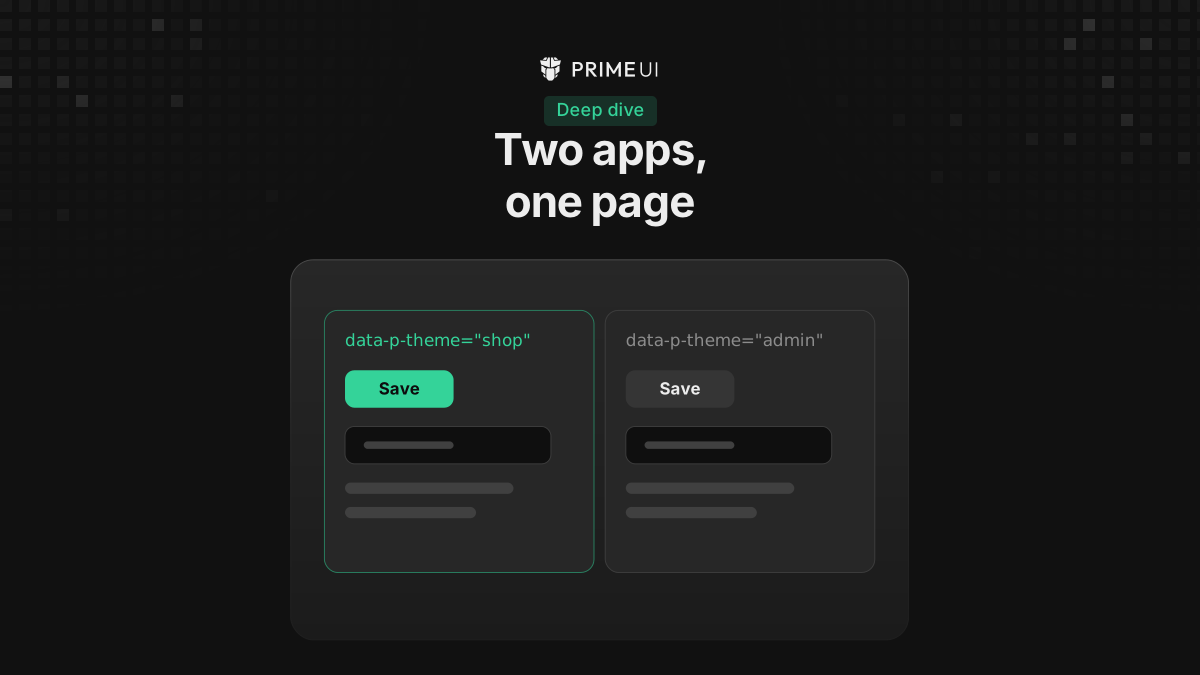
needs no option at all. When two apps with different themes share the page, as
with micro frontends or a browser extension, use isolated mode instead.
Running two PrimeUI apps on one page
covers that setup.
Why the component is unstyled
The libraries write their CSS as <style> elements in document.head. A shadow
root does not see the document’s stylesheets, which is the point of a shadow
root, so a .p-button rule in the head never reaches a .p-button element
inside one.
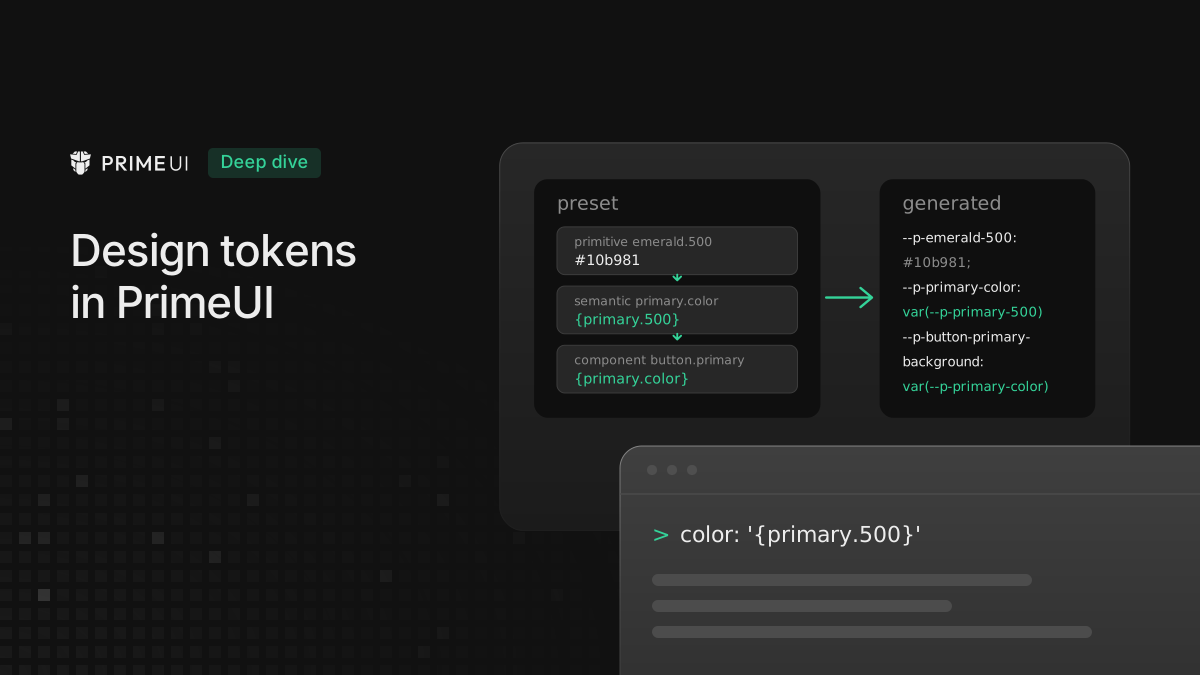
The design tokens behave differently. They are CSS custom properties defined on
:root, such as --p-primary-color, and custom properties inherit through a
shadow boundary like color does. The variables already reach the components,
and what is missing is only the rules that read them. The usual manual
workaround is built on this: it copies the <style data-primevue-style-id>
elements into the shadow root and leaves the variables ones behind. It works,
with two problems. Components that mount later need a MutationObserver to
catch their styles, and dark mode stops working.
On these versions the libraries do the copying themselves, so remove a manual copy like that when upgrading. Otherwise two copies of the same rules end up in the root.
PrimeVue
Pass withShadowRoot() to the plugin:
import { createApp } from 'vue';
import PrimeVue from 'primevue/config';
import { withShadowRoot } from '@primevue/core/shadowroot';
import Aura from '@primeuix/themes/aura';
import App from './App.vue';

const host = document.querySelector('#order-widget');
const shadowRoot = host.attachShadow({ mode: 'open' });
const container = document.createElement('div');

shadowRoot.appendChild(container);

createApp(App)
    .use(PrimeVue, {
        theme: { preset: Aura },
        shadowRoot: withShadowRoot()
    })
    .mount(container);
The styles still go to document.head. When a component mounts inside a shadow
root, PrimeVue copies the styles into that root, keeps the copies in sync when
the theme changes, and removes them when the last component in that root goes
away. The variables are not copied, because they already inherit.
The option is off by default. An app that never renders into a shadow root does
not load this code, and nothing changes for it. withShadowRoot is marked
experimental in PrimeVue and PrimeReact, so its API may still change based on
feedback.
Custom elements
defineCustomElement creates the Vue app itself, so there is no app.use call
in the app code to put PrimeVue in, and the components fail with
Property "$primevue" was accessed during render but is not defined, the error
in #4001. Vue 3.5 added configureApp for this:
import { defineCustomElement } from 'vue';
import PrimeVue from 'primevue/config';
import { withShadowRoot } from '@primevue/core/shadowroot';
import Aura from '@primeuix/themes/aura';
import OrderForm from './OrderForm.ce.vue';

const OrderFormElement = defineCustomElement(OrderForm, {
    configureApp(app) {
        app.use(PrimeVue, {
            theme: { preset: Aura },
            shadowRoot: withShadowRoot()
        });
    }
});

customElements.define('order-form', OrderFormElement);
Each <order-form> on the page is its own app with its own PrimeVue config, so
two elements do not overwrite each other’s settings. On earlier versions they
did: in primevue#8196, two
custom elements with a Carousel each ended up with the numVisible of whichever
one was set up last.
The theme is the exception. In the default mode every PrimeVue app on the page
shares one theme, and the last app.use call sets its options. If one element
passes darkModeSelector: '.app-dark' and another passes no options, the second
one switches the whole page back to the system setting. Give every element the
same theme object, for example from a shared module. Elements that need
different themes have to use isolated mode (see
Running two PrimeUI apps on one page).
PrimeReact
PrimeReact takes the same option on the provider. Mount the tree in a container inside the shadow root:
import { PrimeReactProvider } from '@primereact/core';
import { withShadowRoot } from '@primereact/core/shadowroot';
import Aura from '@primeuix/themes/aura';
import { createRoot } from 'react-dom/client';
import { App } from './App';

const host = document.querySelector('#order-widget')!;
const shadowRoot = host.attachShadow({ mode: 'open' });
const container = shadowRoot.appendChild(document.createElement('div'));

createRoot(container).render(
    <PrimeReactProvider theme={{ preset: Aura }} shadowRoot={withShadowRoot()}>
        <App />
    </PrimeReactProvider>
);
Set it on the outermost provider. A nested ThemeProvider does not inherit it.
PrimeNG
In 22.1.0 and later, a PrimeNG component checks its root node when it is
created, and when that node is a shadow root, the styles are adopted into it.
There is no option to set. A component with ViewEncapsulation.ShadowDom is
enough:
import { Component, ViewEncapsulation } from '@angular/core';
import { Button } from 'primeng/button';
import { Select } from 'primeng/select';

@Component({
    selector: 'order-widget',
    encapsulation: ViewEncapsulation.ShadowDom,
    imports: [Button, Select],
    template: `
        <p-select [options]="sizes" placeholder="Size" />
        <p-button label="Order" />
    `
})
export class OrderWidget {
    sizes = ['Small', 'Medium', 'Large'];
}
The same goes for a component exposed with createCustomElement from
@angular/elements. In 22.1.3 and later, a component created later by @if or
by a router outlet inside the shadow root gets the styles too.
This assumes one Angular application on the page. Two applications started with
bootstrapApplication or createApplication share one theme in the default
mode, and the second one’s shadow roots only receive the styles that the second
application loaded itself. A component the first application already styled can
stay unstyled there. Start the second application in isolated mode, set up as in
Running two PrimeUI apps on one page.
Dark mode
With darkModeSelector: '.app-dark', the theme writes its dark rules against
.app-dark, and the app toggles the class on <html>. A rule copied into a
shadow root cannot see <html>, so the copied dark rules never match.
:host-context(.app-dark) would be the CSS answer, but only Chromium supports
it. Firefox and Safari ignore the rule.
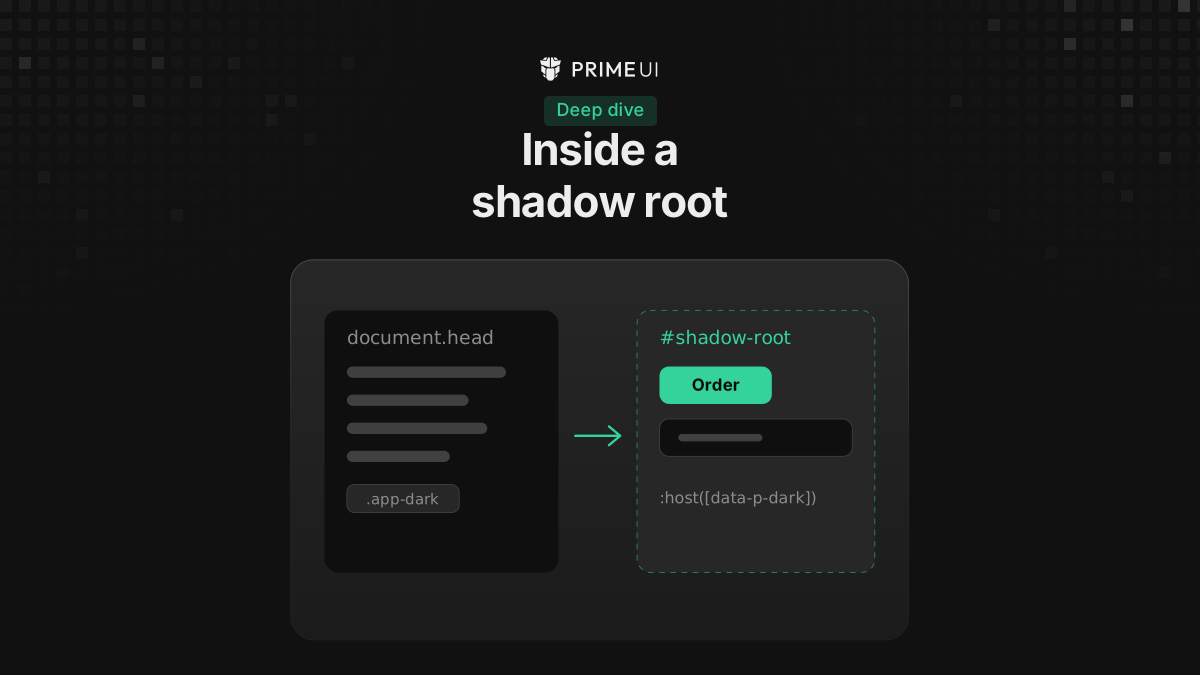
So the libraries watch <html> themselves. While the dark mode selector
matches, the shadow host gets a data-p-dark attribute, and the dark rules
copied into the root are rewritten to :host([data-p-dark]). That works in
every browser, for a class selector and for an attribute selector such as
[data-theme="dark"]. The default system setting uses a media query, which a
shadow root sees on its own, so nothing has to be mirrored there.
None of this needs extra code. Toggle the class on <html> as before:
document.documentElement.classList.toggle('app-dark');Component dt props follow the same rule, so a Button with a dt dark override
inside a shadow root switches along with the rest.
Overlays
Where an overlay panel goes depends on the library.
PrimeVue’s Select, DatePicker, Dialog and the other overlay components append
their panel to document.body by default. From inside a shadow root that means
the panel leaves the root. It is still styled, because the styles are in the
document head as well, but it is outside the component.
PrimeNG defaults to self: the panel renders next to the component, so it stays
inside the shadow root and is styled from the copies there. Setting
appendTo="body" on a component, or overlayAppendTo: 'body' in
providePrimeNG, moves it to the document instead.
The PrimeReact popup parts are React portals, rendered into document.body.
Most problems with overlays in a shadow root come from event handling rather
than styles. The click handlers that close an overlay compare event.target
with the overlay element. For a click inside a shadow root, event.target at
the document level is the shadow host, not the element that was clicked, so a
click inside the panel looked like a click outside it:
- primeng#18220: the DatePicker closed when the next month button was pressed.
- primeng#16298: a popup Menu closed as soon as it opened.
- primevue#7521: the same in MultiSelect and Popover.
These checks now read the real target from event.composedPath(), and focus
checks ask for the focused element inside the right root rather than
document.activeElement, which also reports the shadow host. A Dialog that
contains a web component with its own shadow root keeps focus on an input inside
that component instead of treating it as focus that left the dialog.
primevue#3876 and
#4014, a
getComputedStyle error from AutoComplete and DatePicker, no longer happen on
these versions either. The scroll parent lookup used to treat a shadow root as
an element, and it now steps from the shadow root to its host.
To keep a PrimeVue panel inside the shadow root, use appendTo="self":
<Select v-model="size" :options="sizes" appendTo="self" />The panel then renders next to the component and is styled from the copies in
the root. Keep it on body when the panel has to escape an overflow: hidden
container, since a panel inside the root is clipped like any other child.
A PrimeReact popup always leaves the root, with appendTo="self" as well as
with appendTo="body", although it is still styled and closes correctly.
When this is not enough
withShadowRoot() copies the one theme the page has. If the page itself also
uses PrimeVue with a different theme, or a second copy of the library is on the
page, the two still share that theme. Isolated mode gives each app its own
theme, and
Running two PrimeUI apps on one page
has the setup.
The docs have the same setup under Shadow Root on the isolated mode page of PrimeVue, PrimeReact and PrimeNG.