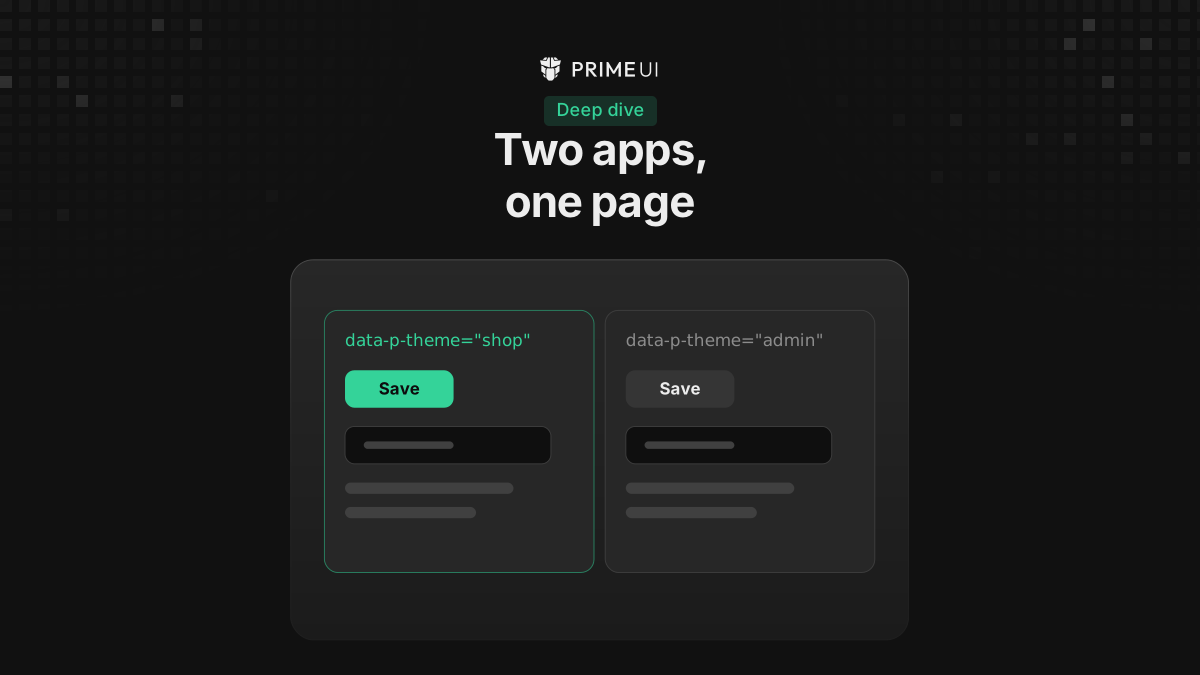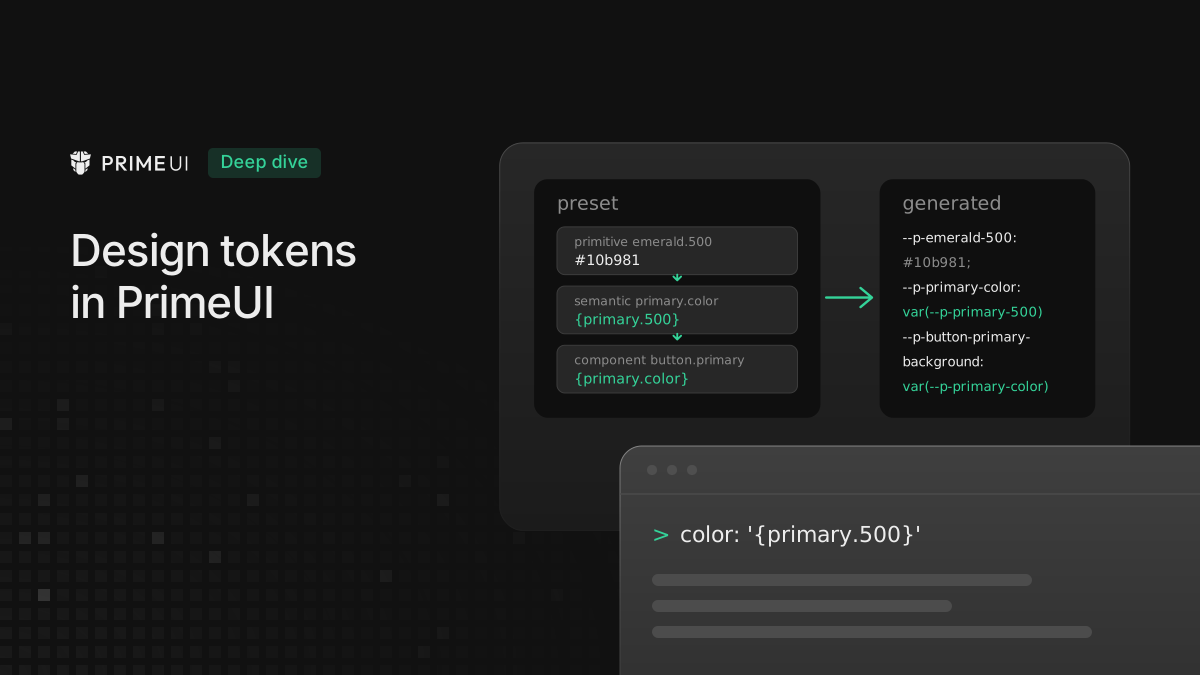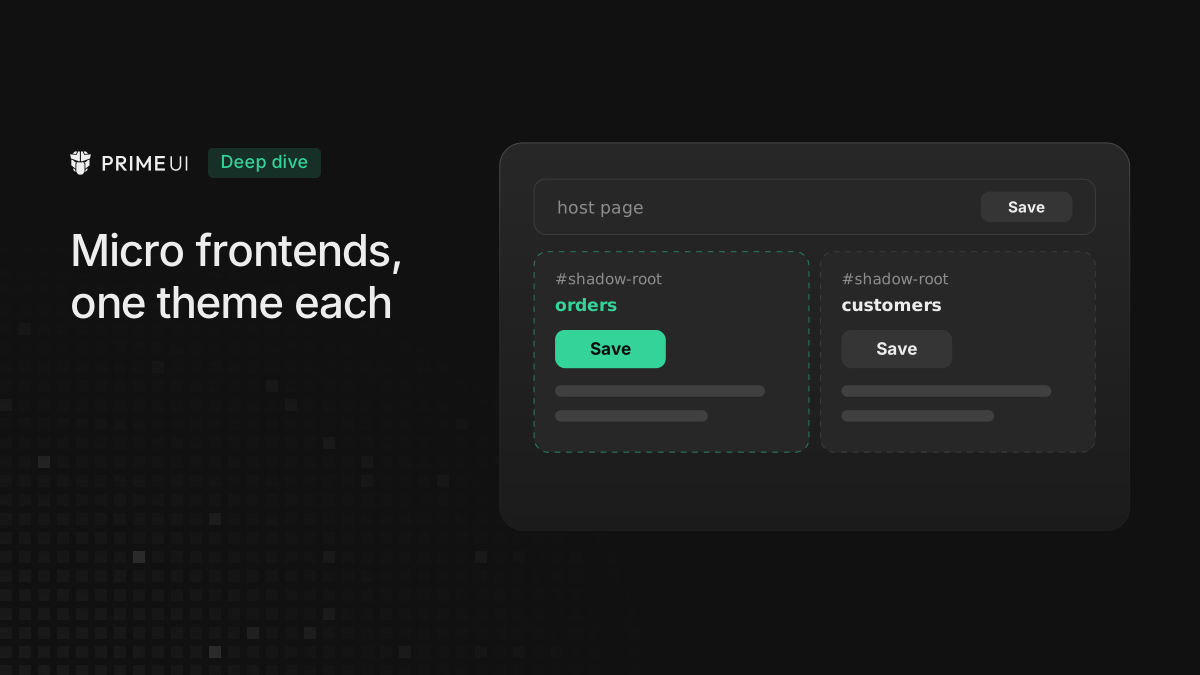
A micro frontend is usually built and released by its own team. It brings its own copy of PrimeVue, PrimeReact or PrimeNG and its own preset, and often its own version of the library too. A host page then loads several of them side by side. The team wants the micro frontend to look the same on the host page as it does when it runs alone, without anything it does changing the host or another micro frontend.
The example below is an orders screen, built the same way in all three libraries. It applies to PrimeVue 5.0.3 and later, PrimeReact 11.2.1 and later, and PrimeNG 22.1.3 and later.
Why the themes collide
The default mode of the libraries is designed for one app per page. The theme
belongs to the page: the component styles are <style> elements in
document.head that the library looks up by name, the design tokens are CSS
variables on :root, and the rules are written for the plain class names such
as .p-button. A second app on the same page uses the same names, so the two
overwrite each other, and the one that sets up last decides the colors. With
micro frontends that load at different times, that means the result depends on
load order.
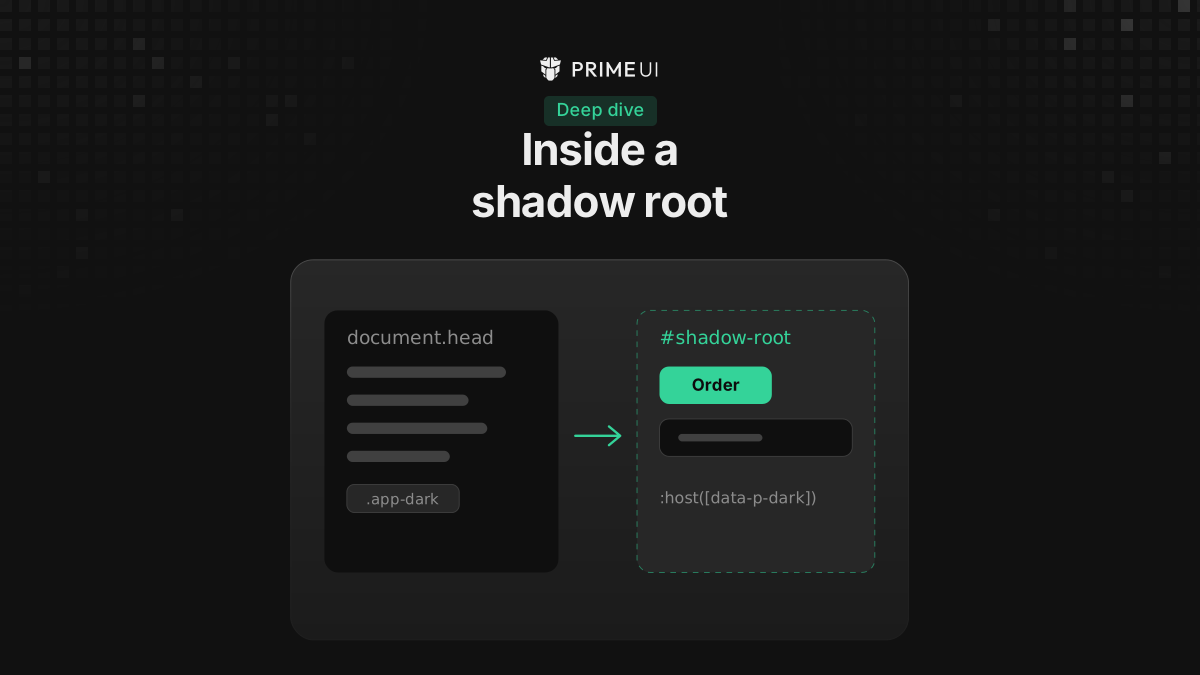
Rendering each micro frontend inside a shadow root does not separate them on its own. In the default mode, a library that renders into a shadow root copies the page’s style elements into it, so every micro frontend still uses the same shared styles. The details of the default mode are in Running two PrimeUI apps on one page.
Isolated mode moves the theme from the page to the app. The app gets a key, and
its root and every overlay it opens carry data-p-theme="<key>". Every rule and
variable the theme writes is scoped to that attribute. The styles are adopted as
constructed stylesheets into the roots the app renders in, which means its
shadow root and also the document, so that what it appends to body is styled
too. The app also has its own theme runtime. It defines no variables on :root
and writes nothing into the host’s style elements, so the host and the other
micro frontends are not affected.
The host side
The host gives each micro frontend an empty element and calls the function that mounts it. How the code reaches the host does not matter here: Module Federation, an import map and a plain script tag all end in the same call.
import { mountOrders } from 'orders'; // however your host loads the micro frontend

const unmountOrders = await mountOrders(document.querySelector('#orders'));

// later, when the user leaves the route
unmountOrders();
await is there because the Angular version of mountOrders returns a promise.
For the Vue and React versions it has no effect.
Only the micro frontend turns on isolated mode. The host can stay in the default mode and on the version it already uses. The setup in this post was run with the host on a version of each library that has no isolated mode, and again with the host on the current version, and the results were the same.
Why the micro frontend creates its own element
Each library’s mountOrders follows the same pattern. The function receives the
host’s element, creates its own element inside it, attaches an open shadow root
to that element, and mounts the app inside the shadow root. On unmount it
removes the element it created.
Isolated mode already separates the themes, so the shadow root is there for
everything else: the host’s CSS resets, utility classes and rules such as
button { ... } do not reach the micro frontend, and the micro frontend’s own
layout CSS does not reach the host. When that is not needed, the micro frontend
can mount without a shadow root, and the themes still stay separate.
The fresh element matters the second time the micro frontend mounts. An element can have only one shadow root, and it stays for the life of the element, so a mount function that attaches the shadow root to the host’s element works only the first time. Angular also removes the host element of a component when its application is destroyed. With a fresh element per mount, a micro frontend can be unmounted on a route change and mounted again when the user comes back.
PrimeVue
The mount function:
// orders/mount.js
import { createApp } from 'vue';
import PrimeVue from 'primevue/config';
import ToastService from 'primevue/toastservice';
import { withIsolation } from '@primevue/core/isolation';
import Lara from '@primeuix/themes/lara';
import OrdersApp from './OrdersApp.vue';

export function mountOrders(container) {
    const element = document.createElement('orders-root');
    const root = document.createElement('div');

    element.attachShadow({ mode: 'open' }).append(root);
    container.append(element);

    const app = createApp(OrdersApp);

    app.use(PrimeVue, {
        theme: { preset: Lara, options: { darkModeSelector: '.app-dark' } },
        isolation: withIsolation({ key: 'orders' })
    });
    app.use(ToastService);
    app.mount(root);

    return () => {
        app.unmount();
        element.remove();
    };
}
The app:
<!-- orders/OrdersApp.vue -->
<script setup>
import { ref } from 'vue';
import Button from 'primevue/button';
import Dialog from 'primevue/dialog';
import Select from 'primevue/select';
import Toast from 'primevue/toast';
import { useToast } from 'primevue/usetoast';

const toast = useToast();
const visible = ref(false);
const status = ref();
const statuses = ['Open', 'Shipped', 'Delivered'];

function save() {
    visible.value = false;
    toast.add({ group: 'orders', severity: 'success', summary: 'Order saved', life: 3000 });
}
</script>

<template>
    <Select v-model="status" :options="statuses" placeholder="Status" />
    <Button label="New order" @click="visible = true" />
    <Dialog v-model:visible="visible" modal header="New order">
        <Button label="Save" @click="save" />
    </Dialog>
    <Toast group="orders" />
</template>
The Select panel and the Dialog are appended to body, which is the PrimeVue
default. They leave the shadow root, but while they are open they carry the
orders key, which keeps them on the micro frontend’s theme and off the host’s.
The Toast has a group because in PrimeVue the toast channel is shared by
everything that uses the same copy of the library. Without the group, two micro
frontends built into one bundle, or sharing PrimeVue through Module Federation,
would show each other’s messages. Using the key as the group name keeps them
apart, and when the copies are separate it costs nothing.
PrimeReact
The PrimeReact mount function passes the theme and the isolation to
PrimeReactProvider:
// orders/mount.tsx
import { PrimeReactProvider } from '@primereact/core';
import { withIsolation } from '@primereact/core/isolation';
import Lara from '@primeuix/themes/lara';
import { createRoot } from 'react-dom/client';
import { OrdersApp } from './OrdersApp';

export function mountOrders(container: HTMLElement) {
    const element = document.createElement('orders-root');
    const root = document.createElement('div');

    element.attachShadow({ mode: 'open' }).append(root);
    container.append(element);

    const isolation = withIsolation({ key: 'orders' });
    const reactRoot = createRoot(root);

    reactRoot.render(
        <PrimeReactProvider theme={{ preset: Lara, options: { darkModeSelector: '.app-dark' } }} isolation={isolation}>
            <OrdersApp />
        </PrimeReactProvider>
    );

    return () => {
        reactRoot.unmount();
        element.remove();
    };
}
withIsolation is called once in the mount function, not inside a component.
The provider reads the value when it mounts, and creating a new one on every
render would give the app a new isolation each time.
The app is longer than the PrimeVue one, because the Select, the Dialog and the Toaster are built from their parts:
// orders/OrdersApp.tsx
import { Button } from '@primereact/ui/button';
import { Dialog } from '@primereact/ui/dialog';
import { Select } from '@primereact/ui/select';
import { Toast } from '@primereact/ui/toast';
import { toast, Toaster, type ToasterRegionInstance, type ToastType } from '@primereact/ui/toaster';

const statuses = ['Open', 'Shipped', 'Delivered'];

export function OrdersApp() {
    return (
        <>
            <Select.Root options={statuses}>
                <Select.Trigger>
                    <Select.Value placeholder="Status" />
                </Select.Trigger>
                <Select.Portal appendTo="body">
                    <Select.Positioner>
                        <Select.Popup>
                            <Select.List />
                        </Select.Popup>
                    </Select.Positioner>
                </Select.Portal>
            </Select.Root>
            <Dialog.Root modal>
                <Dialog.Trigger as={Button}>New order</Dialog.Trigger>
                <Dialog.Portal appendTo="body">
                    <Dialog.Backdrop />
                    <Dialog.Positioner>
                        <Dialog.Popup>
                            <Dialog.Header>
                                <Dialog.Title>New order</Dialog.Title>
                            </Dialog.Header>
                            <Dialog.Footer>
                                <Dialog.Close as={Button} onClick={() => toast({ title: 'Order saved', group: 'orders' })}>
                                    Save
                                </Dialog.Close>
                            </Dialog.Footer>
                        </Dialog.Popup>
                    </Dialog.Positioner>
                </Dialog.Portal>
            </Dialog.Root>
            <Toaster.Root group="orders">
                <Toaster.Portal>
                    <Toaster.Region>
                        {({ toaster }: ToasterRegionInstance) =>
                            toaster?.toasts.map((item: ToastType) => (
                                <Toast.Root key={item.id} toast={item}>
                                    <Toast.Content>
                                        <Toast.Message>
                                            <Toast.Title />
                                        </Toast.Message>
                                    </Toast.Content>
                                </Toast.Root>
                            ))
                        }
                    </Toaster.Region>
                </Toaster.Portal>
            </Toaster.Root>
        </>
    );
}
Overlays behave as in PrimeVue: the portals go to body and carry the key.
Toasts need the same care, because the toast function is shared by everything
that uses the same copy of PrimeReact. The group on the call and on
Toaster.Root does the job the Toast group does in PrimeVue.
PrimeNG
The PrimeNG mount function is async, since it waits for createApplication:
// orders/mount.ts
import { APP_ID, createComponent } from '@angular/core';
import { createApplication } from '@angular/platform-browser';
import Lara from '@primeuix/themes/lara';
import { providePrimeNG } from 'primeng/config';
import { withIsolation } from 'primeng/isolation';
import { OrdersApp } from './orders-app';

export async function mountOrders(container: HTMLElement) {
    const app = await createApplication({
        providers: [
            { provide: APP_ID, useValue: 'orders' },
            providePrimeNG({ theme: { preset: Lara, options: { darkModeSelector: '.app-dark' } } }, withIsolation({ key: 'orders' }))
        ]
    });

    const element = document.createElement('orders-root');

    container.append(element);

    const component = createComponent(OrdersApp, { environmentInjector: app.injector, hostElement: element });

    app.attachView(component.hostView);

    return () => app.destroy();
}
createApplication starts a separate Angular application with its own injector,
so the providePrimeNG call belongs to this micro frontend alone, even when the
host is an Angular application too. Add the other providers the micro frontend
needs, such as its router or HTTP client, to the same list.
APP_ID is the id Angular uses to tell applications on the same page apart.
Give each micro frontend its own.
The component:
// orders/orders-app.ts
import { Component, ViewEncapsulation, inject, signal } from '@angular/core';
import { FormsModule } from '@angular/forms';
import { MessageService } from 'primeng/api';
import { Button } from 'primeng/button';
import { Dialog } from 'primeng/dialog';
import { Select } from 'primeng/select';
import { Toast } from 'primeng/toast';

@Component({
    selector: 'orders-root',
    encapsulation: ViewEncapsulation.ShadowDom,
    imports: [FormsModule, Button, Dialog, Select, Toast],
    providers: [MessageService],
    template: `
        <p-select [options]="statuses" [(ngModel)]="status" placeholder="Status" appendTo="body" />
        <p-button label="New order" (onClick)="visible.set(true)" />
        <p-dialog [(visible)]="visible" [modal]="true" header="New order" appendTo="body">
            <p-button label="Save" (onClick)="save()" />
        </p-dialog>
        <p-toast />
    `
})
export class OrdersApp {
    private readonly messages = inject(MessageService);

    protected readonly statuses = ['Open', 'Shipped', 'Delivered'];
    protected readonly visible = signal(false);
    protected status: string | undefined;

    save() {
        this.visible.set(false);
        this.messages.add({ severity: 'success', summary: 'Order saved', life: 3000 });
    }
}
With ViewEncapsulation.ShadowDom, Angular attaches the open shadow root to the
element that mountOrders created. That is why this mount function has no
attachShadow call.
PrimeNG appends overlays to the component itself by default, which keeps them
inside the shadow root. That is fine until a parent with overflow: hidden cuts
a panel off. appendTo="body" moves the panel out, and it is themed by the
micro frontend either way.
MessageService is provided by the component, so each micro frontend has its
own and the Toast needs no group.
What happens on the page
The code above was checked in Chromium, Firefox and WebKit, next to a host page in the default mode.
A Select panel and a Dialog with its mask, opened by the micro frontend, use the micro frontend’s theme, wherever they are appended. Messages added in the micro frontend show only in that micro frontend’s Toast. A modal Dialog in the micro frontend locks the scrolling of the host page while it is open and releases it when it closes, as it does in a single app.
For dark mode, the micro frontend watches <html> for its own
darkModeSelector. When the host toggles .app-dark there, the micro frontend
switches too, including inside its shadow root. A micro frontend with a
different selector does not follow the host’s toggle, so agree on one selector
for the whole page.
usePreset, updatePreset, updatePrimaryPalette and the other helpers
imported from @primeuix/themes act on the theme of the default mode, which is
the host’s. When the host switches its palette, the micro frontend keeps its
own.
After unmountOrders() nothing of the micro frontend is left on the page: no
elements with its key, no adopted stylesheets, no scroll lock. When it mounts
again, it gets the same key, and its theme is built again from the preset,
without the runtime changes it had before.
Changing the micro frontend’s theme at runtime
Since the global helpers act on the host’s theme, a micro frontend changes its
own theme through its own runtime. getActionsInstance from @primeuix/styled
returns the same helpers for a given theme, and each library has an accessor for
the app’s isolation:
// PrimeVue, in <script setup> of a component of the micro frontend
import { getActionsInstance } from '@primeuix/styled';
import { palette } from '@primeuix/themes';
import { useIsolation } from 'primevue/config';

const isolation = useIsolation();

function amber() {
    if (isolation) getActionsInstance(isolation.theme).updatePrimaryPalette(palette('{amber}'));
}
// PrimeReact
import { useIsolation } from '@primereact/core';
import { Button } from '@primereact/ui/button';
import { getActionsInstance } from '@primeuix/styled';
import { palette } from '@primeuix/themes';
export function AmberButton() {
const isolation = useIsolation();
return <Button onClick={() => isolation && getActionsInstance(isolation.theme).updatePrimaryPalette(palette('{amber}'))}>Amber</Button>;
}// PrimeNG
import { Component } from '@angular/core';
import { getActionsInstance } from '@primeuix/styled';
import { palette } from '@primeuix/themes';
import { Button } from 'primeng/button';
import { injectIsolation } from 'primeng/config';
@Component({
selector: 'amber-button',
imports: [Button],
template: `<p-button label="Amber" (onClick)="amber()" />`
})
export class AmberButton {
private readonly isolation = injectIsolation();
amber() {
if (this.isolation) getActionsInstance(this.isolation.theme).updatePrimaryPalette(palette('{amber}'));
}
}In the default mode the accessors return undefined, so the examples check the
value before using it. The change applies to this micro frontend only: the host
and the other micro frontends keep their colors.
Versions and copies of the library
Each micro frontend that should keep its own theme needs a version with isolated mode. The host does not, and neither do the other micro frontends. A micro frontend that is still in the default mode keeps behaving the way it did before: it shares the page theme with the host. Move it to isolated mode when it upgrades.
It does not matter whether the micro frontends share one copy of the library or
each bundles its own. The isolation belongs to the app, not to the copy, so two
micro frontends that share PrimeVue through Module Federation still get separate
themes. With a shared copy, the only thing still shared is the toast channel in
PrimeVue and PrimeReact, and the toast group handles that.
Choosing keys
Give each micro frontend a fixed key that is unique on the page, such as
orders or customers. A key may contain letters, digits, _ and -. CSS
written for the app can use the key to target the micro frontend, as in
[data-p-theme='orders'] .summary. Server rendering needs the same key on the
server and in the browser.
If two apps on the page use the same key, the second one gets orders-2
instead, in every build, and development builds also log a warning. CSS written
for orders does not match orders-2, so treat the warning as a bug.
Styling the micro frontend’s own elements
The host’s stylesheets do not cross the shadow boundary, so the micro frontend
brings its own layout CSS, for example as a <style> element in its shadow
root. To style the micro frontend’s other elements with the values of its theme,
or to add CSS under its key, see
Styling other elements in the app’s scope.
Limits
- An isolated app inside another isolated app is not supported. Mount each micro frontend into an element that is not inside another isolated app.
- CSS that comes in through
@importcannot be scoped and is passed through as it is. - Isolated mode is marked experimental, so the API may still change.
Checklist
- The micro frontend exports a mount function that creates its own element, attaches a shadow root when the host’s CSS should stay out, and returns an unmount function.
- It sets up its library with
withIsolation({ key })and a key that is unique on the page. - It uses the same
darkModeSelectoras the host. - In PrimeVue and PrimeReact, its toasts use the key as their
group. - It changes its own theme through
getActionsInstanceand its isolation, not through the global helpers. - The host calls the unmount function when the micro frontend leaves the page.
The full option reference is in the isolated mode docs for PrimeVue, PrimeReact and PrimeNG. How isolated mode scopes rules, handles CSS layers and works with server rendering is explained in Running two PrimeUI apps on one page.