In styled mode, a PrimeVue component such as InputNumber sometimes renders as plain markup with no theme, and once that happens it stays unstyled on every route until the page is reloaded. There is no error and no warning. Two sessions of the same build can behave differently, depending on which screen showed that component first.
For that symptom, the most likely cause is a component style that PrimeVue marked as loaded without writing it to the page. It is fixed in PrimeVue 5.0.3 and later:
npm install [email protected]The same problem is discussed in discussion #4835.
How to confirm it
Open the browser’s developer tools on a page where the component is unstyled and
look in <head> for the component’s style element. For InputNumber it is:
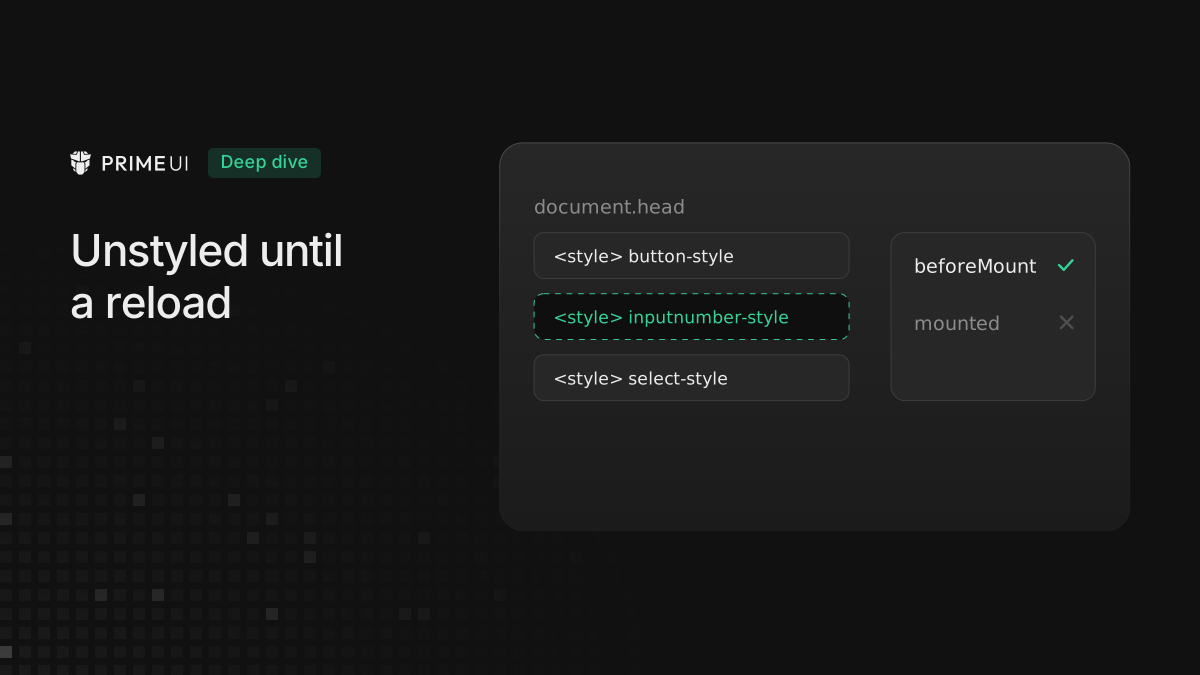
<style data-primevue-style-id="inputnumber-style">
    ...
</style>
On a page where the component is styled, this element is there with the component’s CSS in it. With this problem, the element is missing, and no instance of that component gets it back for the rest of the session. If the element is there but the component still looks wrong, the cause is a different problem, such as a CSS override or a layer order issue.
How styles are loaded
In styled mode a component’s CSS is not in the page until the first instance of
that component needs it. When an InputNumber is about to mount, PrimeVue asks
the theme for the InputNumber styles, writes them as <style> elements in the
head, and records inputnumber as loaded, so the next InputNumber does not
write them again.
Up to 5.0.2 those two steps happened at different times. PrimeVue recorded the
name in beforeMount and wrote the <style> element later, in the component’s
onMounted hook.
That works as long as the component mounts. If Vue creates the component and then throws it away before mounting it, only the first step runs. PrimeVue records the name, writes nothing, and every later instance skips the load because the name says it is done.
When a component does not mount
One case that reproduces it is a component inside a <Suspense> whose sibling
stays pending:
import { createApp, defineComponent, h, nextTick, ref, Suspense } from 'vue';
import PrimeVue from 'primevue/config';
import Aura from '@primeuix/themes/aura';
import InputNumber from 'primevue/inputnumber';

const NeverResolves = defineComponent({
    async setup() {
        await new Promise(() => {});

        return () => null;
    }
});

const App = defineComponent({
    setup() {
        const pending = ref(true);
        const shown = ref(false);

        nextTick(async () => {
            pending.value = false; // throw the Suspense branch away
            await nextTick();
            shown.value = true; // then show an InputNumber somewhere else
        });

        return () =>
            h('div', [
                pending.value && h(Suspense, null, { default: () => h('div', [h(NeverResolves), h(InputNumber)]) }),
                shown.value && h(InputNumber)
            ]);
    }
});

createApp(App).use(PrimeVue, { theme: { preset: Aura } }).mount('#app');
The first InputNumber runs beforeMount, because Vue builds the pending branch,
but it does not reach mounted: Vue removes the branch while it is still
pending. On 5.0.2 that leaves inputnumber recorded with no style element
behind it. The second InputNumber sees the name, skips the load, and renders
without CSS. So does every InputNumber after it, for the rest of the session.
Another way to get there is a dialog whose template changes reactive state
during render, with InputNumbers in a v-for over a computed value derived from
that state. Vue starts creating an instance, the render it belonged to is
replaced before it mounts, and the instance is thrown away. The component does
not have to be InputNumber. Any pattern that creates a component and discards it
before it mounts can trigger it.
What changed in 5.0.3
The style is now written when the component either mounts or is thrown away,
whichever comes first. The write is attached to onMounted, onBeforeUnmount
and onDeactivated together, and runs once. A component Vue creates and
discards before mounting still writes its styles on the way out, so the name
that was recorded is backed by an element in every case.
The Suspense example ran against both versions in Chromium, Firefox and WebKit.
On 5.0.2 the second InputNumber has no inputnumber-style element and renders
as a plain inline span. On 5.0.3 the element is there with its 4,897
characters, and the InputNumber renders with display: inline-flex and
position: relative, the same as when nothing was discarded.
After upgrading
Remove any workaround that loads a component’s style by hand when its element is missing.