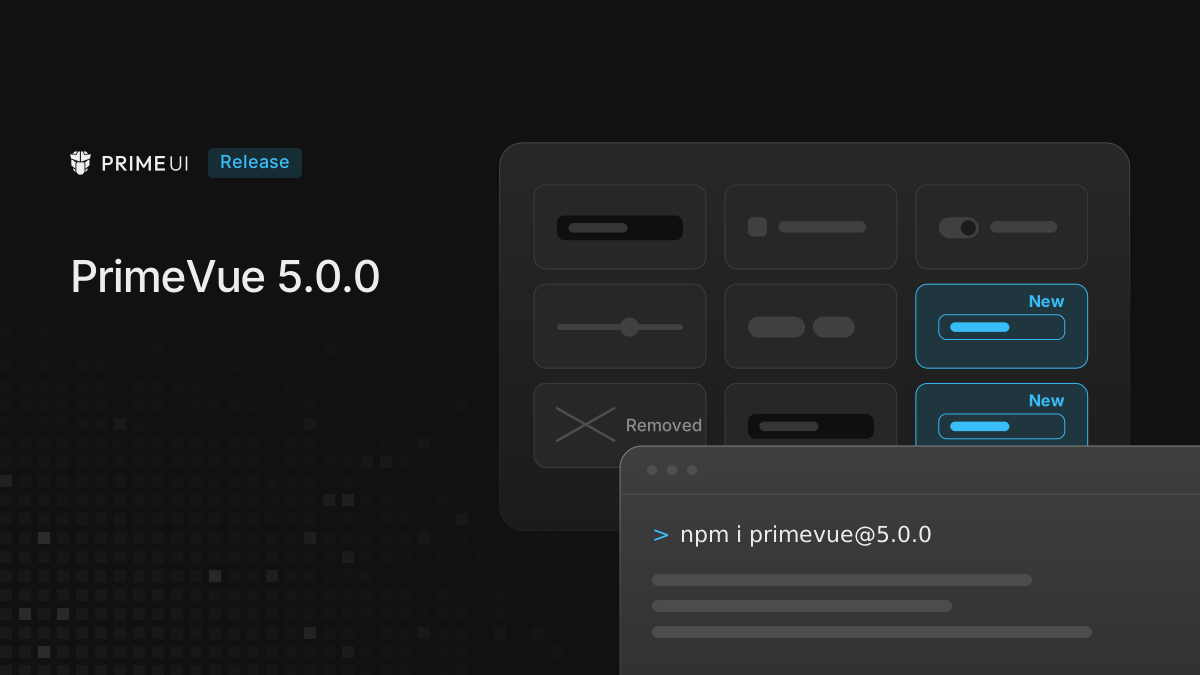
PrimeVue 5.0.0 is a major version, so this post covers both halves of that: what is new, and what was removed.
npm install primevue@5The library went from 149 component entry points to 214. Most of that is new components, and a good part of the rest is existing components being broken into parts you can compose yourself.
How asChild changed the component count
asChild appears in 8 type definitions in 4.5 and in 81 of them in 5.0, which
is the change that shaped the release more than anything else in it.
What asChild does is hand rendering back to you. Instead of the component
emitting its own element with its own classes, it gives your element the
behaviour and steps out of the way. as is the lighter version of the same
idea: you keep the component’s rendering and change only the tag it uses.
The component count grew because of this. Carousel used to be one component and
is now Carousel plus CarouselContent, CarouselItem, CarouselPrev,
CarouselNext, CarouselIndicators and CarouselIndicator. Sidebar goes much
further and arrives as 24 parts: layout, panel, rail, header, footer, menu, menu
items, submenus, badges, triggers.
Sidebar needs a warning attached to it. The name existed in 4.x as a deprecated
alias for Drawer, and 5.0 reuses the name for something unrelated, so 4.x code
that still imports Sidebar expecting the old overlay gets the new compound
component rather than a rename error. Move those imports to Drawer before you
upgrade and you avoid the whole thing.
None of this forces you to assemble the parts by hand if the single-component version was doing the job. It is there for the cases where you used to fight a component to change one piece of its markup.
New components
Gallery. A lightbox: thumbnails, fullscreen, zoom in and out, rotate, flip on both axes, download. Each control is its own component, so if you want a gallery with only zoom and download you assemble it from those two rather than configuring the rest away.
<Gallery v-model:activeIndex="index" fullscreen closeOnEscape>
    <GalleryContent>
        <GalleryItem v-for="image in images" :key="image.id">
            <img :src="image.src" :alt="image.alt" />
        </GalleryItem>
    </GalleryContent>
    <GalleryFooter>
        <GalleryZoomIn />
        <GalleryZoomOut />
        <GalleryRotateLeft />
        <GalleryDownload />
    </GalleryFooter>
</Gallery>
GalleryItem wraps your own markup instead of taking a src, and it carries
normalScale and zoomedScale to control how far it zooms.
InputColor. A colour picker with an area, a hue slider, swatches and an
eyedropper. It reads and writes ten formats: hex, hexa, rgb, rgba,
hsl, hsla, hsb, hsba, oklch, oklcha, plus css.
<InputColor v-model="brand" format="oklch" />If you are generating a ramp from a single colour, use oklch. Equal steps in
lightness look equal in that space, which is not true of the others.
Compare. A before and after slider for two images, horizontal or vertical,
with slideOnHover for cases where you would rather not make people drag
anything.
<Compare v-model="position" orientation="horizontal" slide-on-hover>
    <CompareItem position="before">
        <img :src="before" alt="Before" />
    </CompareItem>
    <CompareItem position="after">
        <img :src="after" alt="After" />
    </CompareItem>
    <CompareHandle />
</Compare>
Which side an item lands on comes from position rather than from the order, so
the two items can hold anything you like and are not restricted to images.
CommandMenu. The command palette pattern: a filterable list of commands over
a model array. Pass your own filter function if the default matching is not
what you want.
<CommandMenu :model="commands" v-model:search="query" placeholder="Type a command" />ScrollArea. A scroll container with styled scrollbars that behave the same way across browsers, split into viewport, content, scrollbar, handle and corner. It supports edge masking as well, so content fades out at the boundary instead of cutting off there.
Label, InputTags and InputPassword fill in the form set. Mask
arrives as a directive for formatted input (numeric, date, currency, email,
phone), and it is separate from the existing InputMask component.
Licensing
The setup call takes a license option in 5.0:
app.use(PrimeVue, { license: import.meta.env.VITE_PRIMEUI_LICENSE });The plugin verifies the key on startup. When verification fails it warns on the
console and puts a small banner in the bottom right of the page. The check runs
against the release date of the build you installed rather than against the wall
clock, so a key that covered your version keeps working after the key itself
lapses. The result is kept as a readonly ref on $primevue.verified, which is
not in the type definitions yet.
Under Nuxt the module reads PRIMEUI_LICENSE from public runtime config, so
setting the environment variable is all you need to do.
What was removed
Eleven components that were deprecated during 4.x are gone. Each of them has a replacement that has been available for a while now:
| Removed | Use instead |
|---|---|
Calendar | DatePicker |
Dropdown | Select |
InputSwitch | ToggleSwitch |
OverlayPanel | Popover |
TabView, TabMenu | Tabs |
AccordionTab | AccordionPanel |
Chips, InputChips | InputTags |
InlineMessage | Message |
BadgeDirective | Badge |
If you are on 4.5 and your console has no deprecation warnings in it, the
upgrade is mostly the install. If you still import Dropdown or Calendar
anywhere, do the renames first while you are on 4.5, confirm the app still
works, and then move to 5.