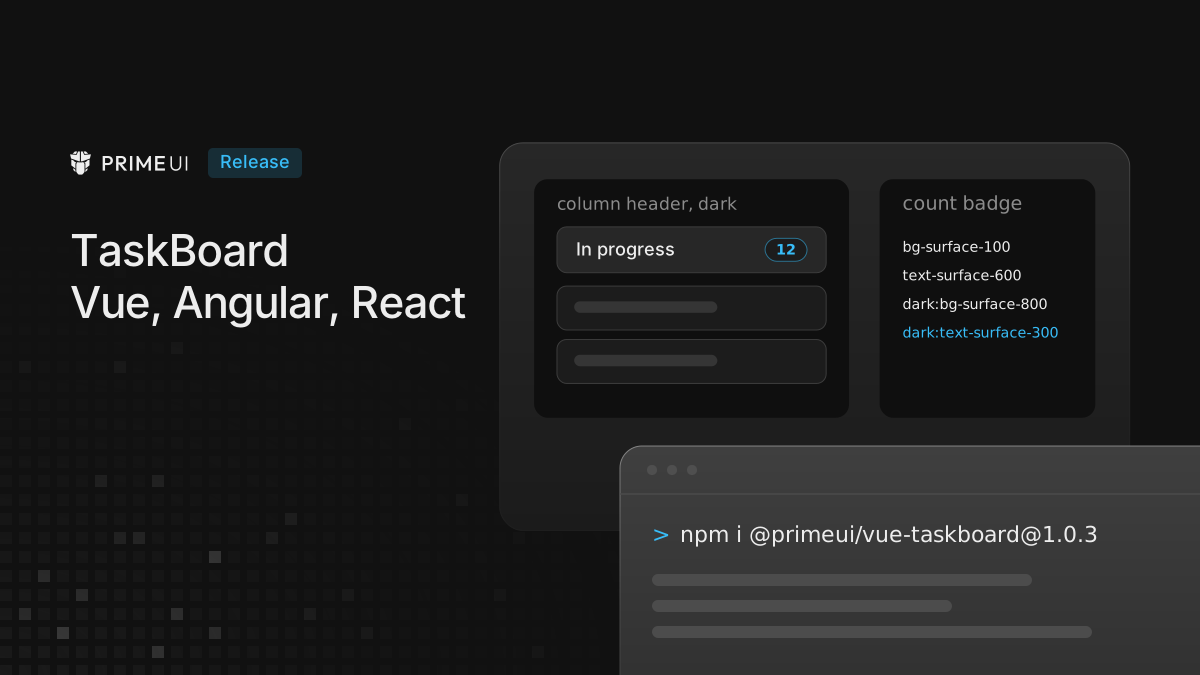
TaskBoard for Vue 1.0.3, React 1.0.1 and Angular 1.0.2 is built on
@primeui/taskboard-core 1.0.6. The components behave the same as in the
previous releases. The changes are in the Tailwind UI parts, which now use the
same surface colors as the PrimeOne theme in light and dark mode.
npm install @primeui/[email protected]
npm install @primeui/[email protected]
npm install @primeui/[email protected]
The Tailwind UI parts
The Tailwind parts are not inside the npm packages. The CLI copies them into the project, where they can be edited like any other component:
npx -y @primeui/cli add taskboard --framework vue --ui tailwind --output-dir ./src/components/primeuiWith --framework react or --framework angular the command copies the parts
for those frameworks. For Angular the usual output folder is
./src/app/components/primeui. Parts copied before this release keep their old
classes until they are copied again, and a part that was edited in the project
needs the changes below applied by hand.
Count badges
The task count in column headers, swimlane headers and swimlane column headers
had a dark mode background but no dark mode text color, so in dark mode the
count was surface-500 on surface-700 and hard to read. The badge now uses
the colors of the secondary Tag in the Aura theme preset:
- bg-surface-200 text-surface-500 dark:bg-surface-700
+ bg-surface-100 text-surface-600 dark:bg-surface-800 dark:text-surface-300
The light mode colors change as well.
Column headers
Column headers were transparent, so they took the board background. They now have the column background of the PrimeOne theme, in the expanded and the collapsed state:
+ bg-surface-100 dark:bg-surface-900In React, a className passed to the header is still applied after these
classes, so it can override them.
Cards
Standard and advanced cards used bg-white or bg-surface-0 with
dark:bg-surface-800. They now use the card background of the PrimeOne theme:
- bg-white dark:bg-surface-800
+ bg-surface-50 dark:bg-surface-950
Cards are darker in dark mode than before.
With the zinc surface palette, the resolved backgrounds change like this:
| Part | Mode | Before | Now |
|---|---|---|---|
| Column header | light | transparent, rgb(250 250 250) | rgb(244 244 245) |
| Column header | dark | transparent, rgb(9 9 11) | rgb(24 24 27) |
| Card | light | rgb(255 255 255) | rgb(250 250 250) |
| Card | dark | rgb(39 39 42) | rgb(9 9 11) |
Angular advanced card in dark mode
The Angular advanced card set its color scheme in component styles, with the
PrimeOne dark mode selector, .p-dark. A Tailwind app switches dark mode with
.dark, so the card stayed light and its chips kept their light colors. The
style block is gone, and the card surface uses the Tailwind dark: variant like
the other parts:
- [data-part='card-advanced-ui'] { color-scheme: light; }
- .p-dark [data-part='card-advanced-ui'] { color-scheme: dark; }
+ <div data-part="card-surface" class="[color-scheme:light] dark:[color-scheme:dark] ...">
The packages
The npm packages are rebuilt against the new core, with no change in behavior or in the exported API. The Angular package no longer ships source maps, which cuts the unpacked size by about 57%.
Upgrading
The packages need only a version bump. For the Tailwind parts, copy them again with the CLI, or apply the class changes above to parts that were edited in the project. An app whose own styles assumed the old card or header colors will see the new backgrounds, especially in dark mode.
Setup and the Tailwind parts are documented on vue.primeuipro.dev, react.primeuipro.dev and angular.primeuipro.dev.